
Maintenance
Services by date or engine hours.
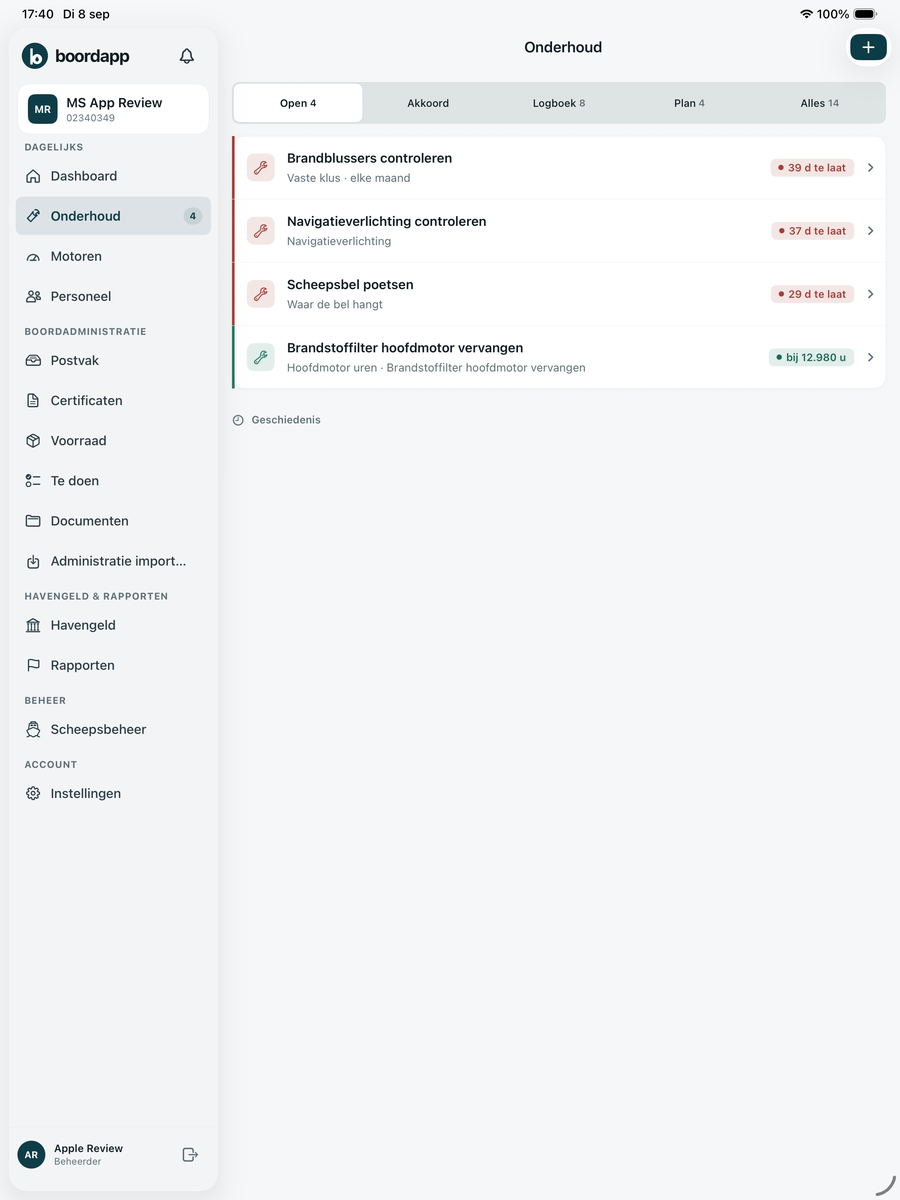
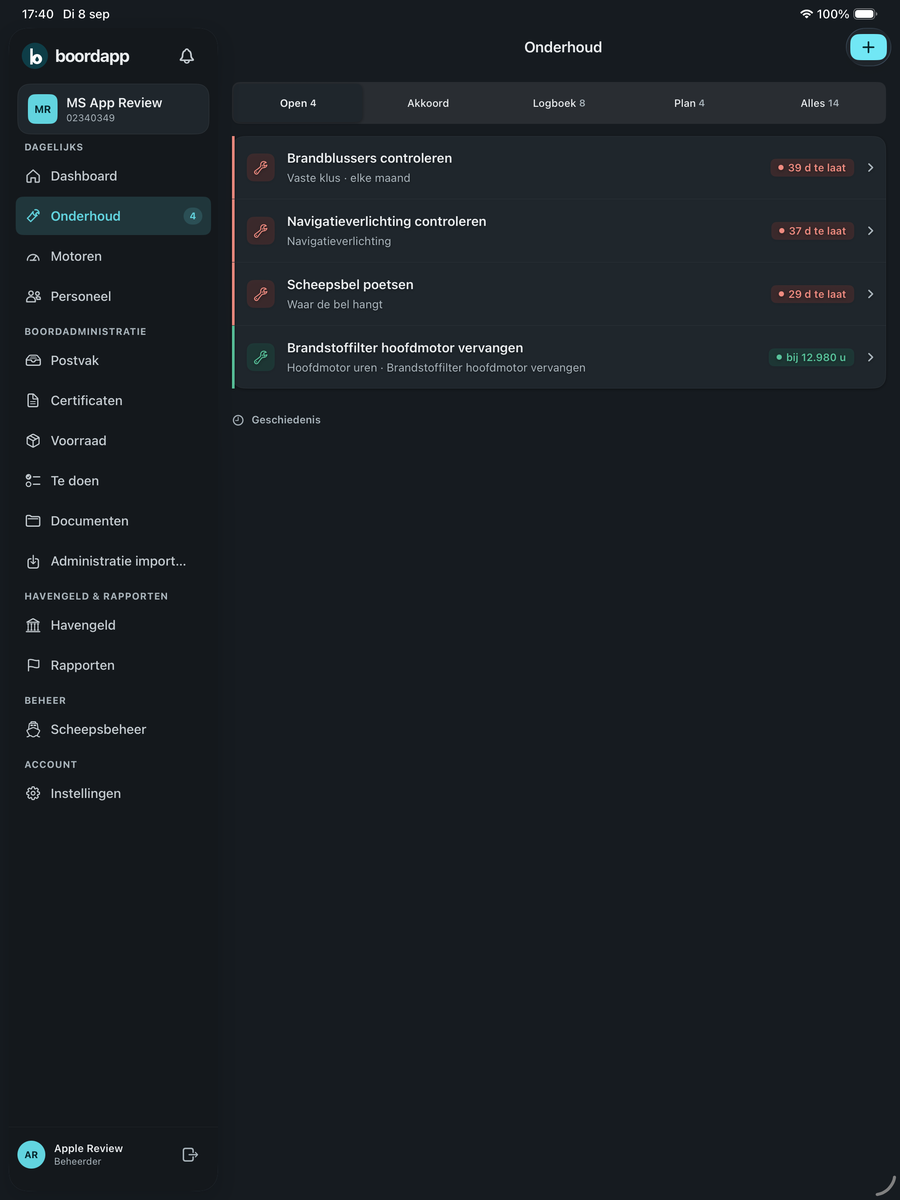
Maintenance, engine hours, certificates, parts and jobs. One overview for skipper and crew.
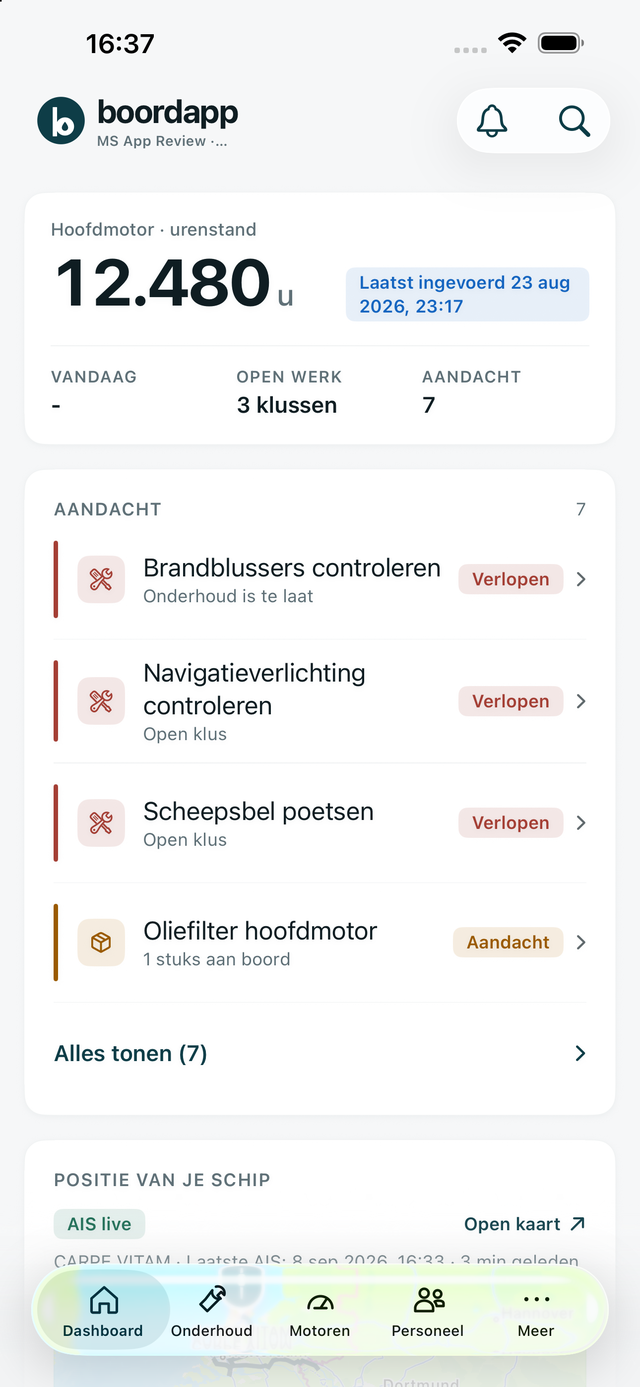
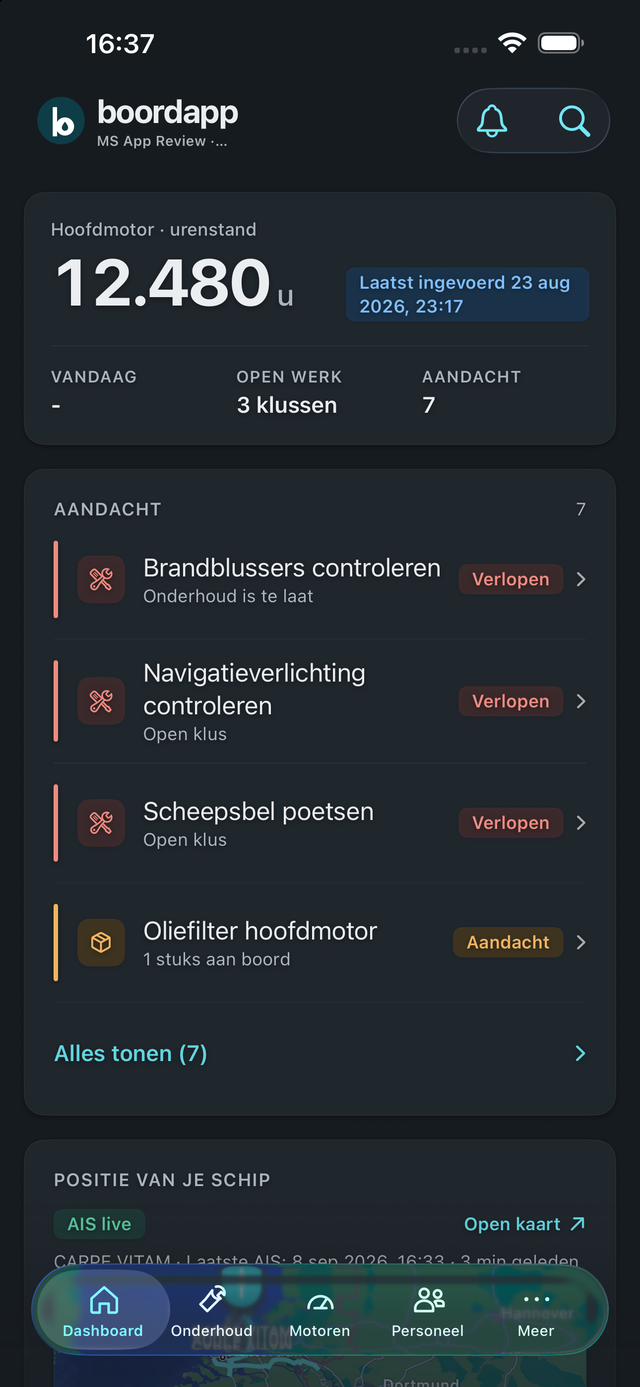
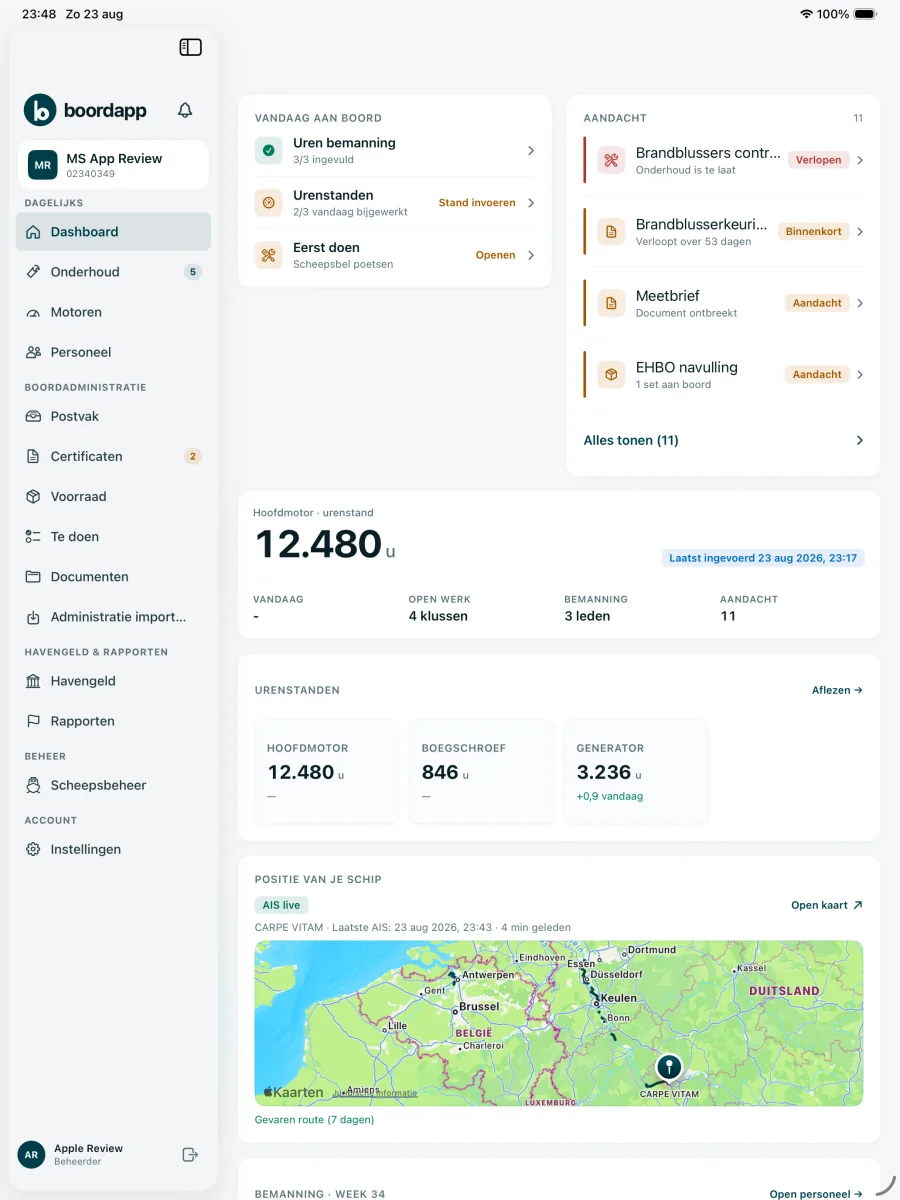
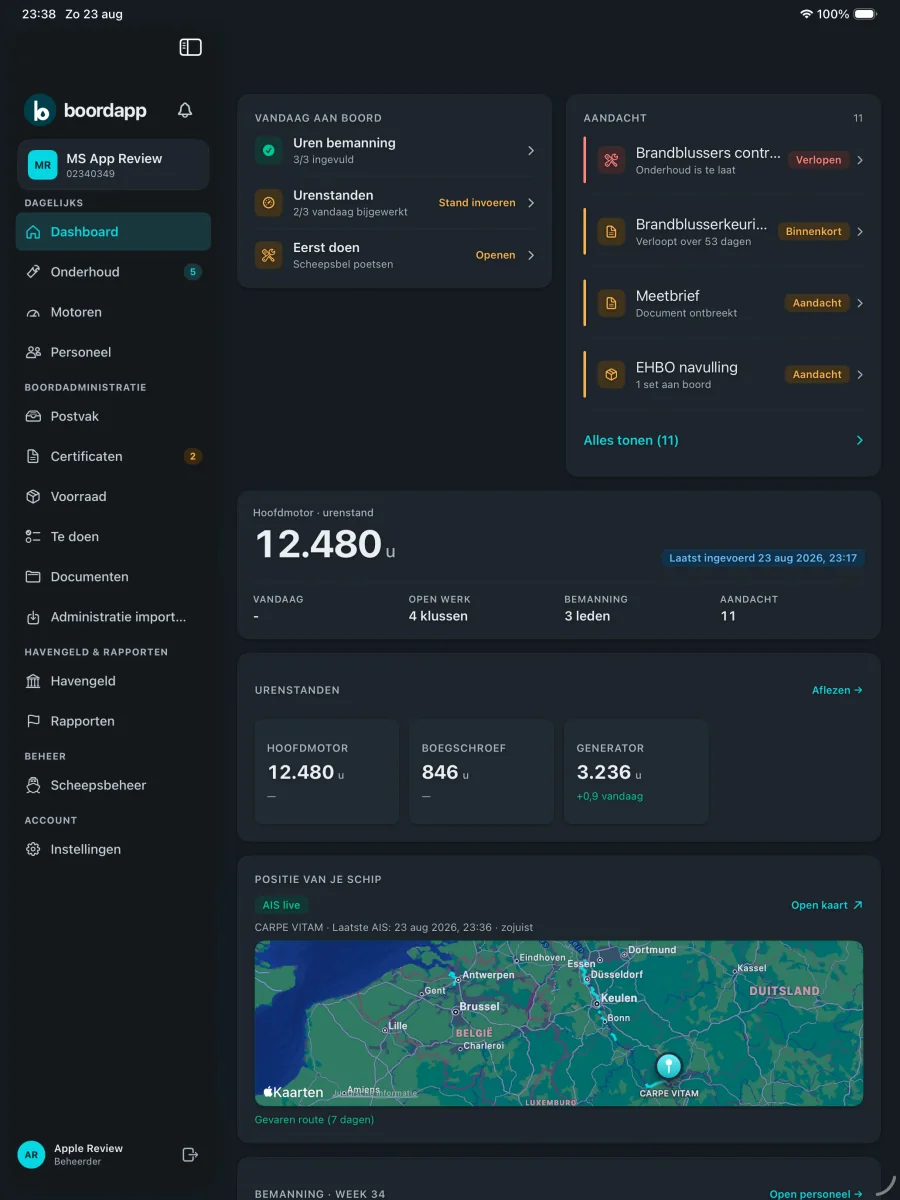
Services by date or engine hours.
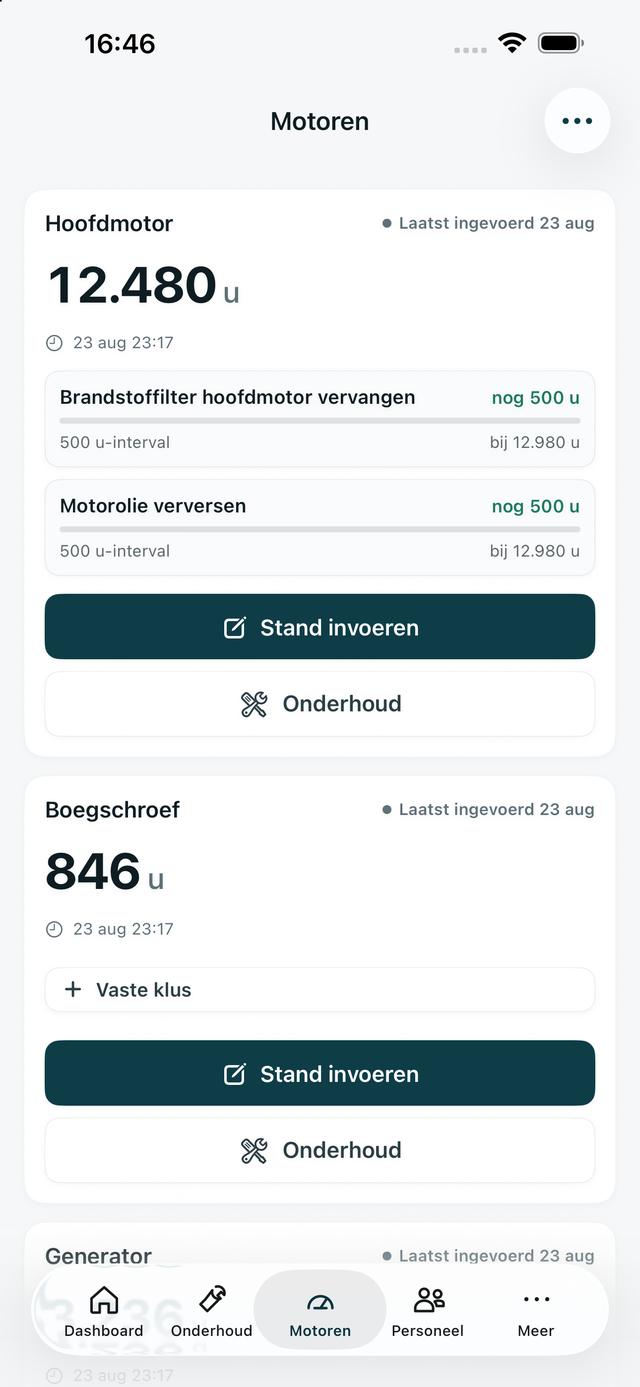
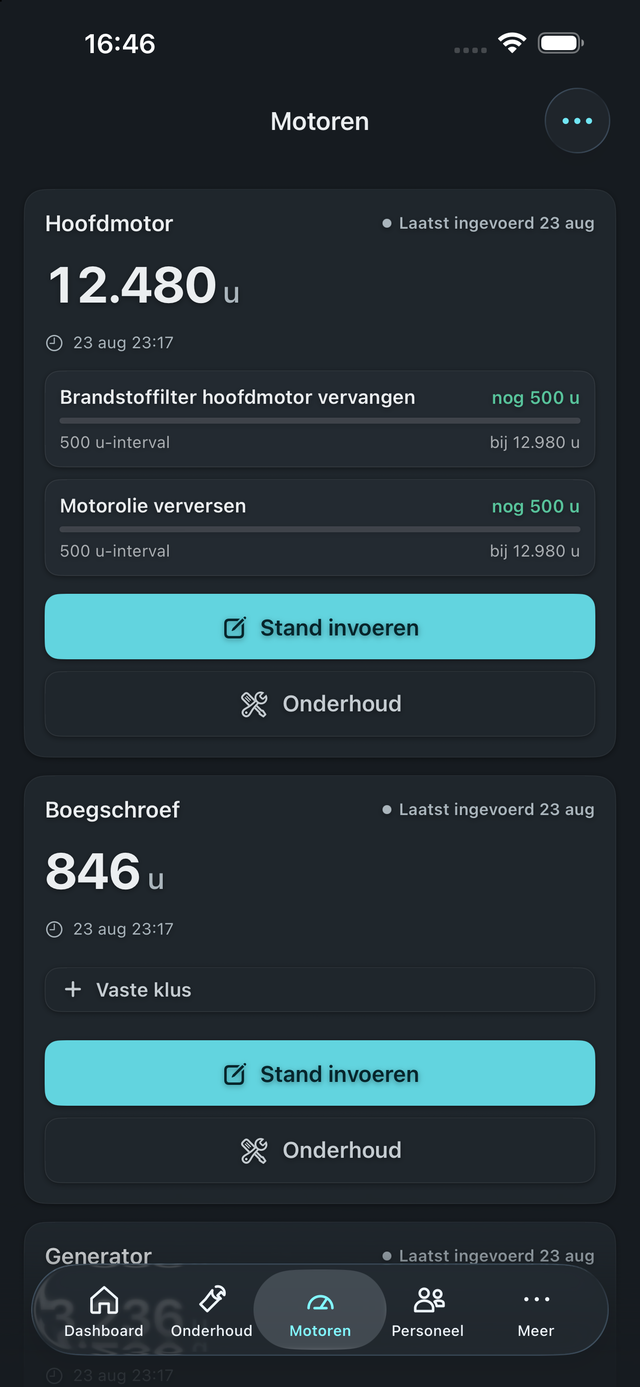
Hour readings, with the next service in sight.
A reminder before a document expires.


What is on board and what needs ordering.


Jobs, orders, yard and bunkering on one list.


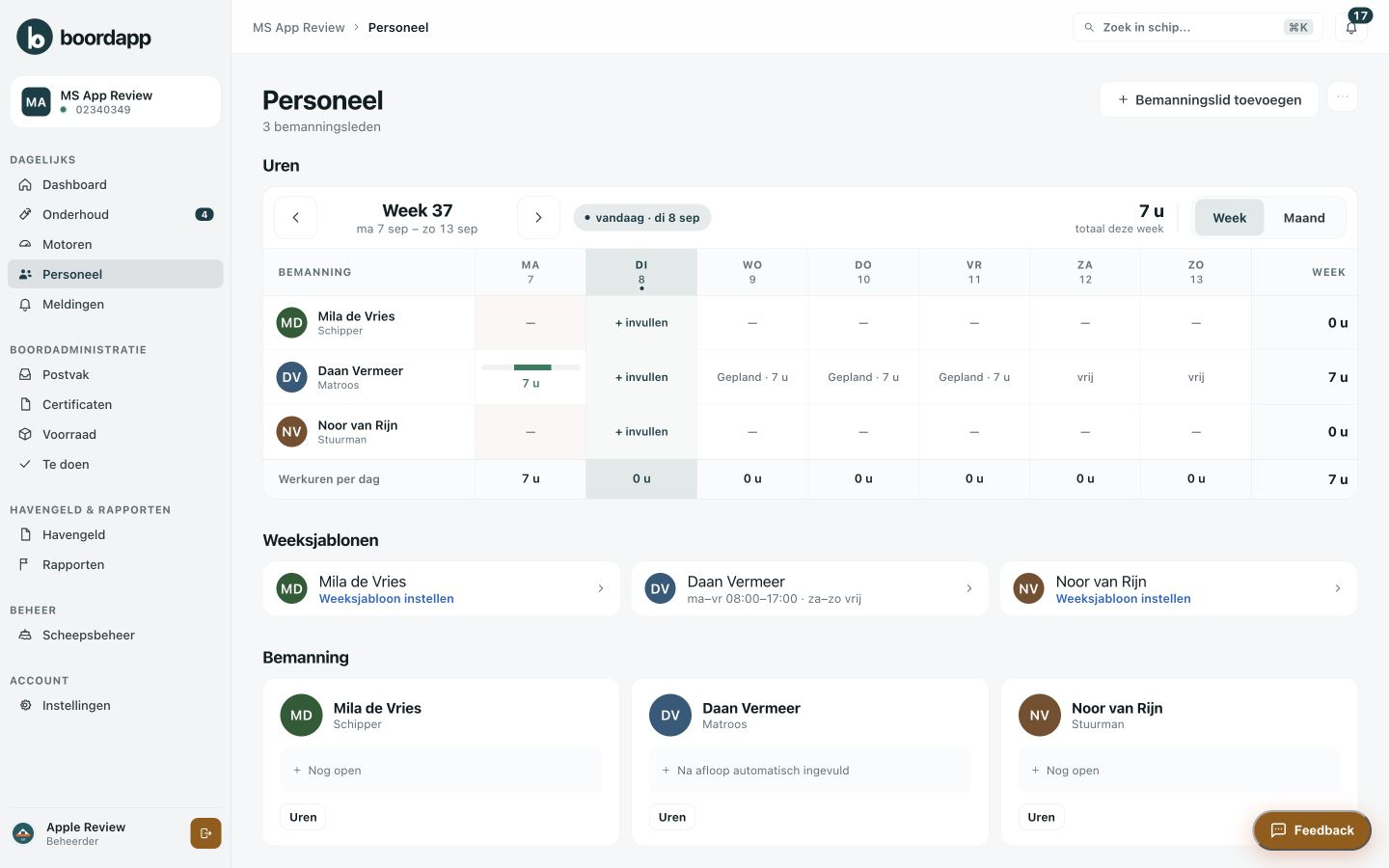
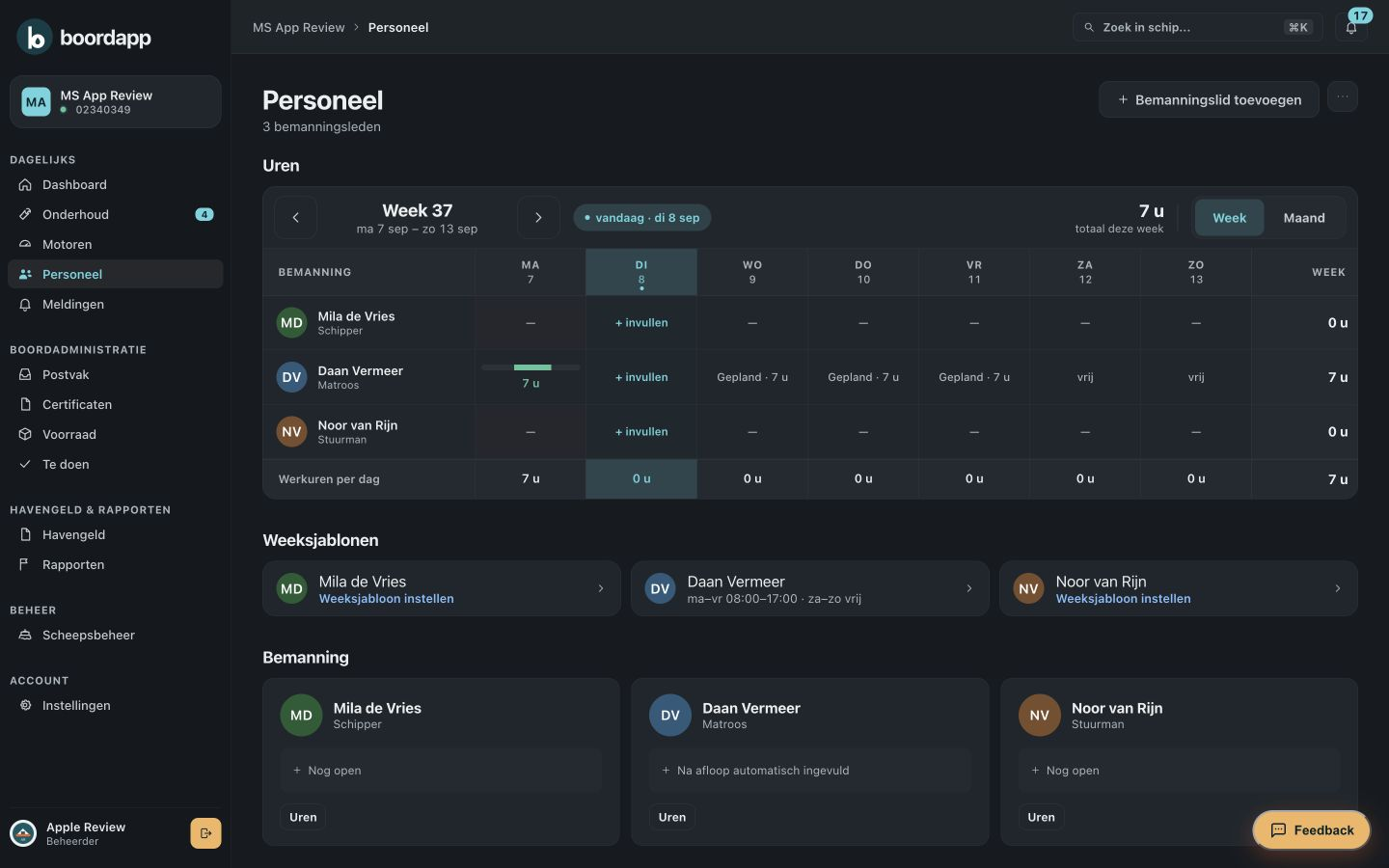
Crew, crew changes and working hours.
A report or export whenever you need one.


Maintenance
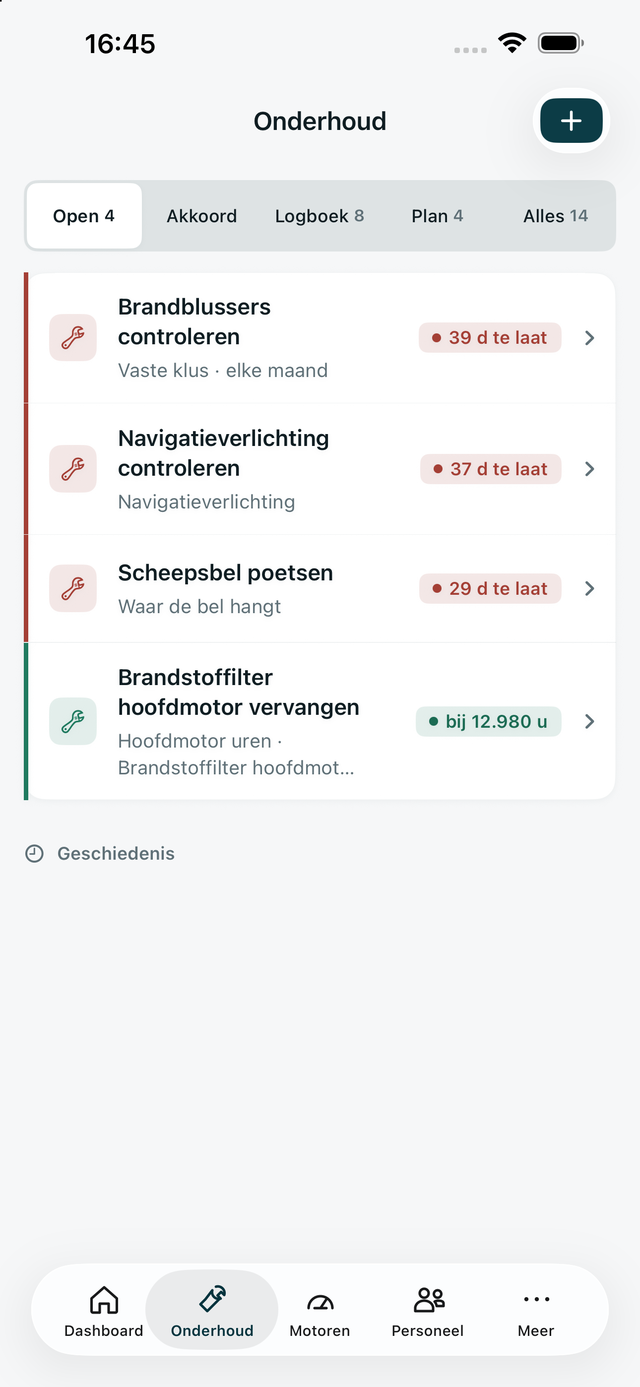
Plan a service by date or engine hours. Once it is done, the hour reading, parts, photos and notes stay with the vessel.
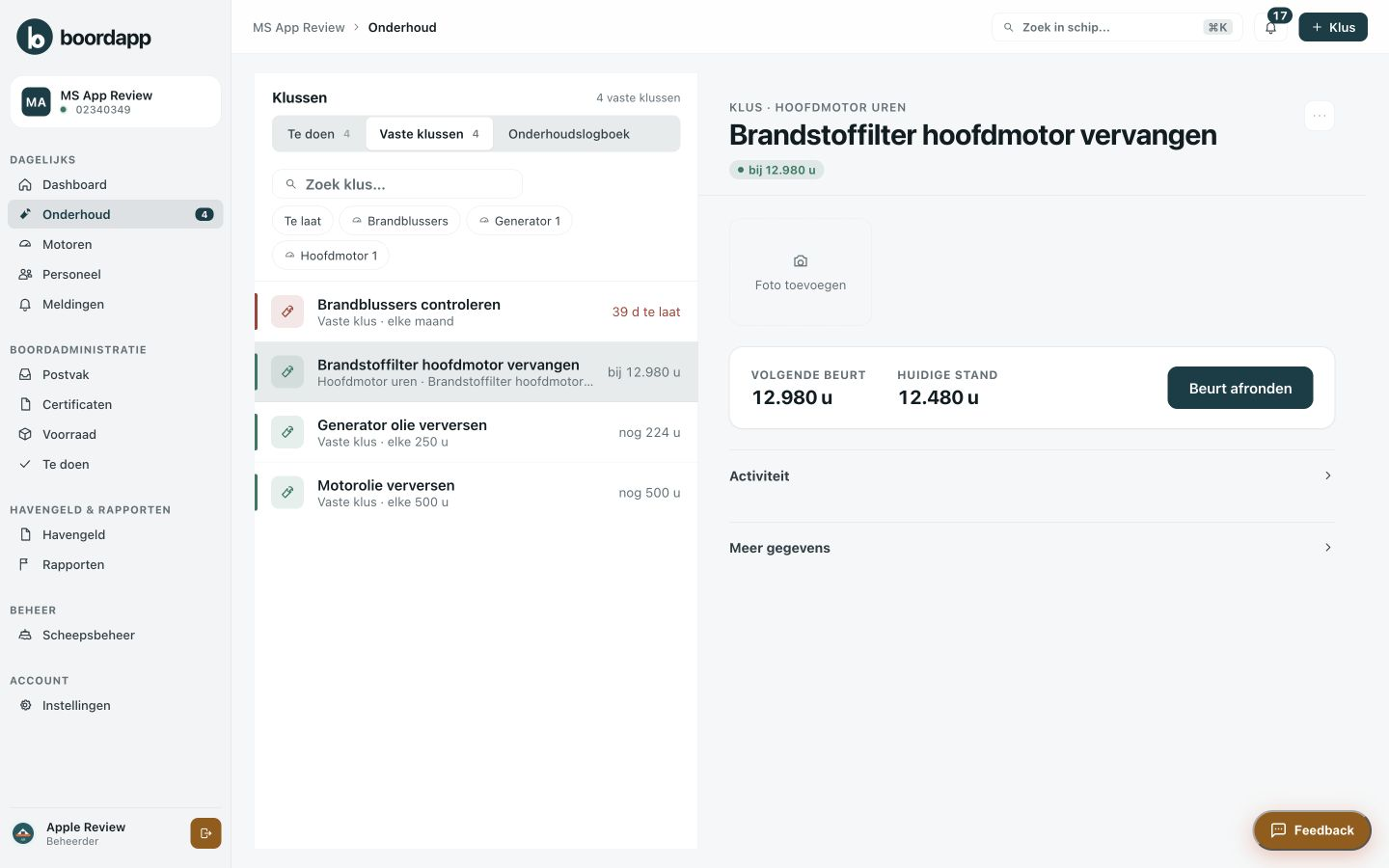
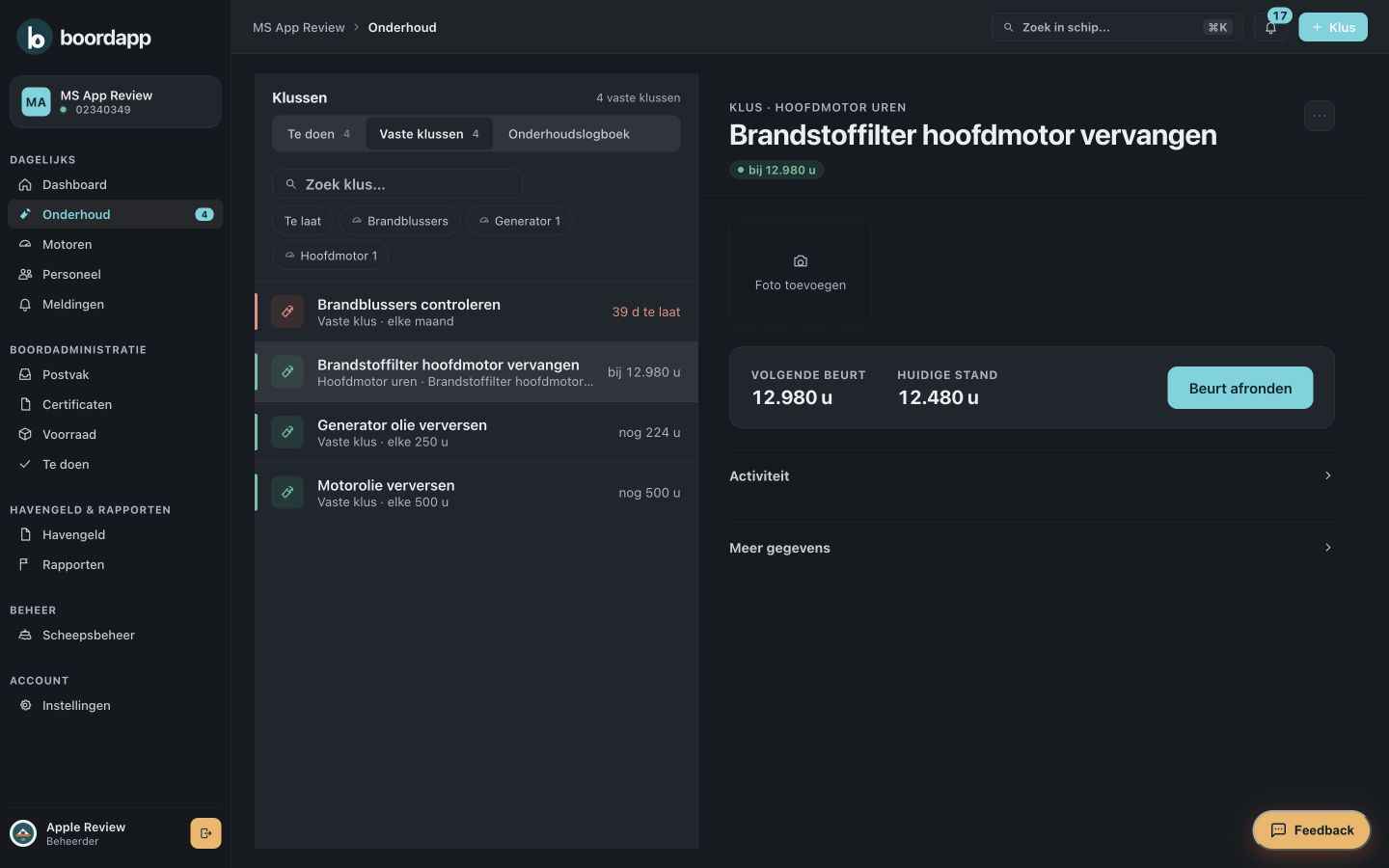
Recurring service by date or engine hours, with the next limit shown.
Filters and oil linked to the job, with the stock alongside.
Open jobs in order, overdue first, with the hours remaining.
Morning
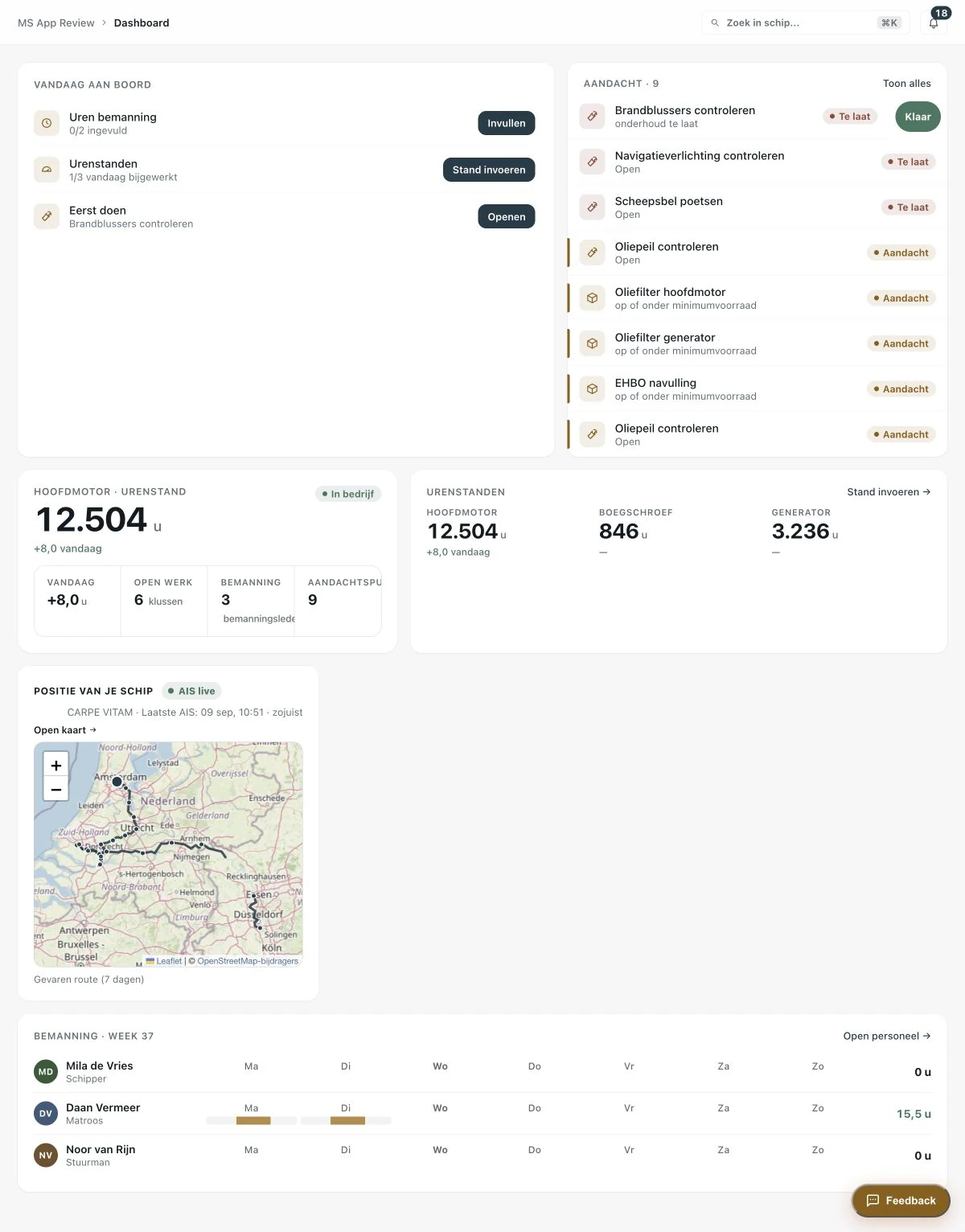
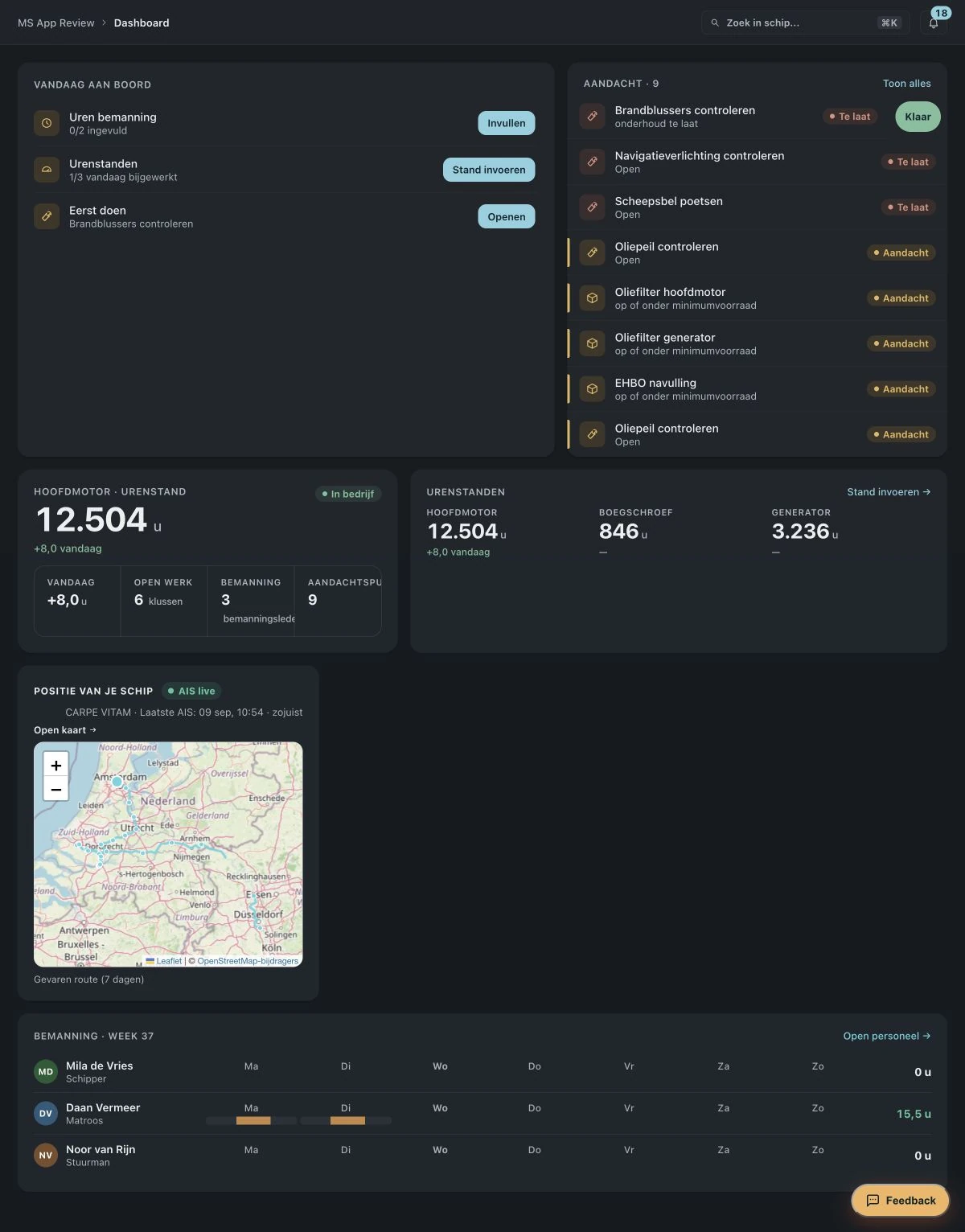
Open Boordapp and see at a glance which jobs are open, which hour readings still need entering and which certificates need attention.
Scroll to walk through the day. The phone stays put while the screen changes.
Engines and hour readings
Note the reading from your phone or tablet. Boordapp works out how many hours are left until the next service, also for the generator and bow thruster.
Certificates
Keep the document, validity and expiry date with the vessel. You get a reminder before a certificate expires.
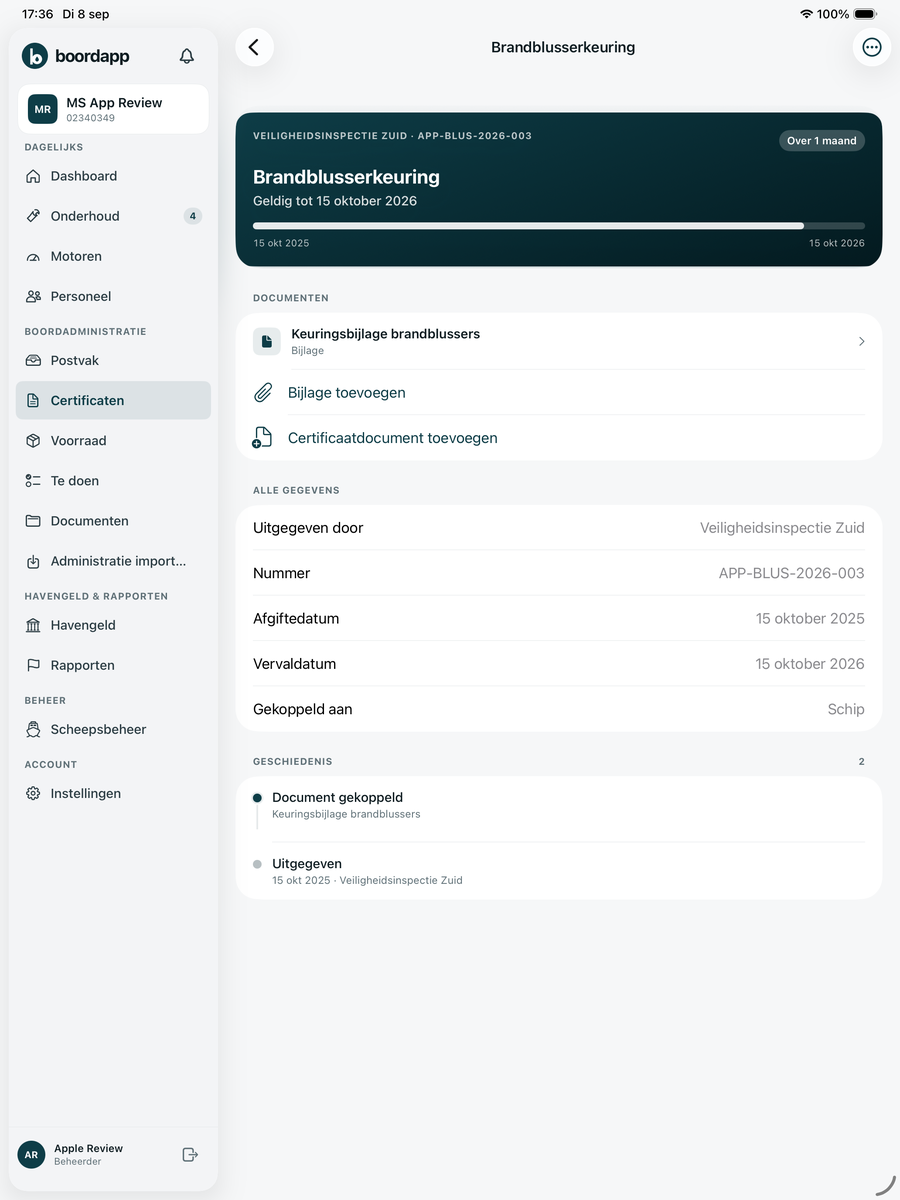
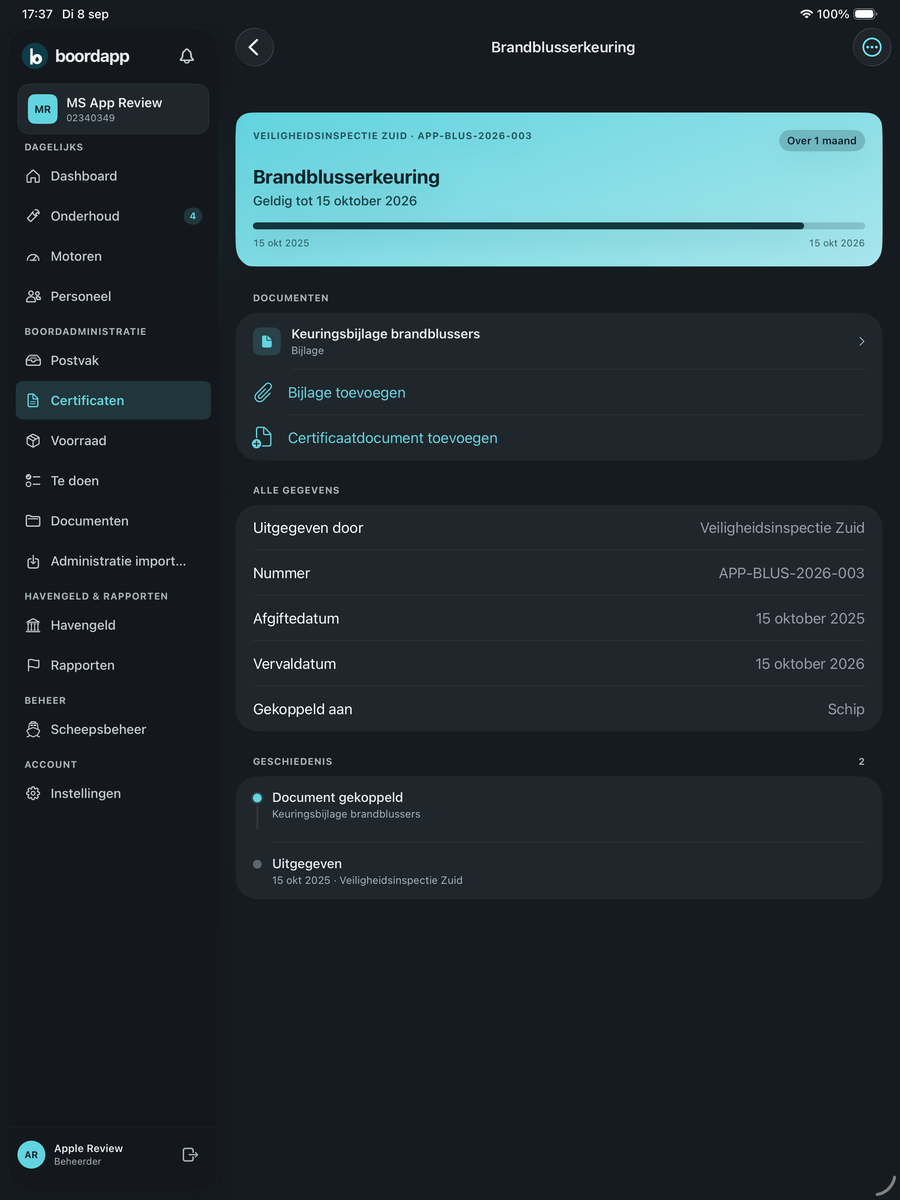
Visible in the list, on the dashboard and as an advance reminder.
A photo or PDF with the certificate, ready to show at an inspection.
Crew
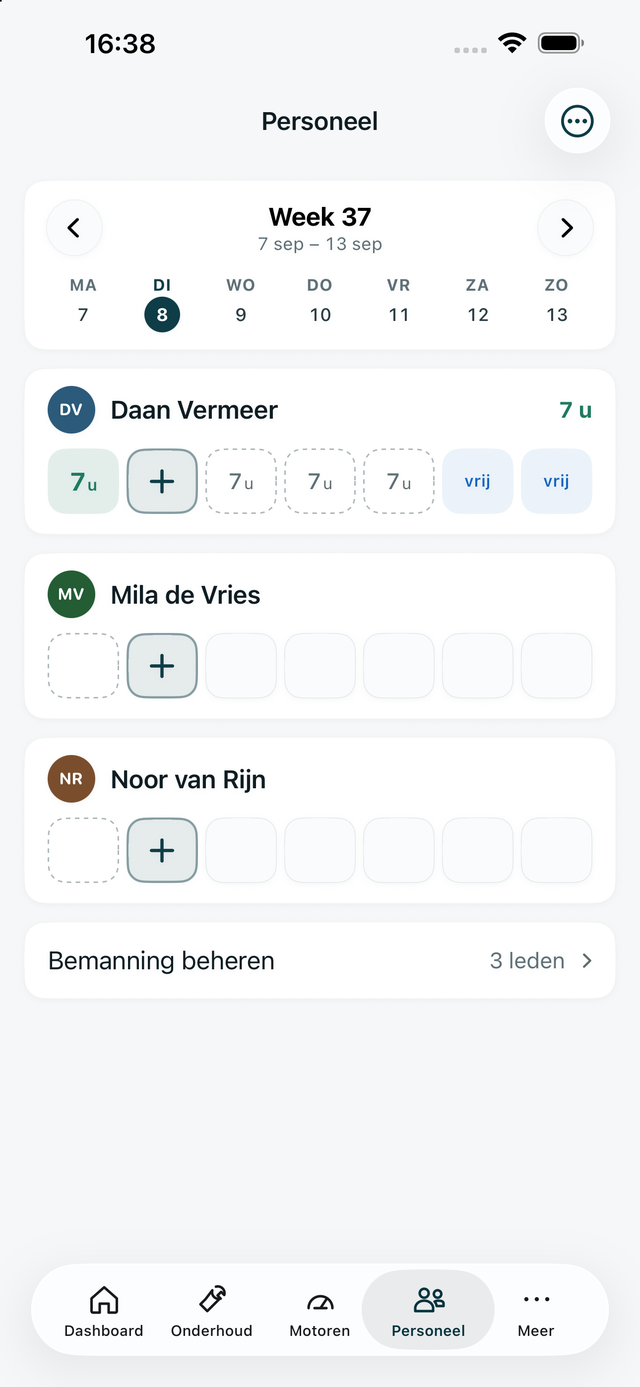
Give crew access, plan crew changes and keep track of the hours worked. Everyone sees what belongs to their role.
With a role that fits the work on board.
Who is on board when, visible to everyone.
The same figures on board and ashore.
App
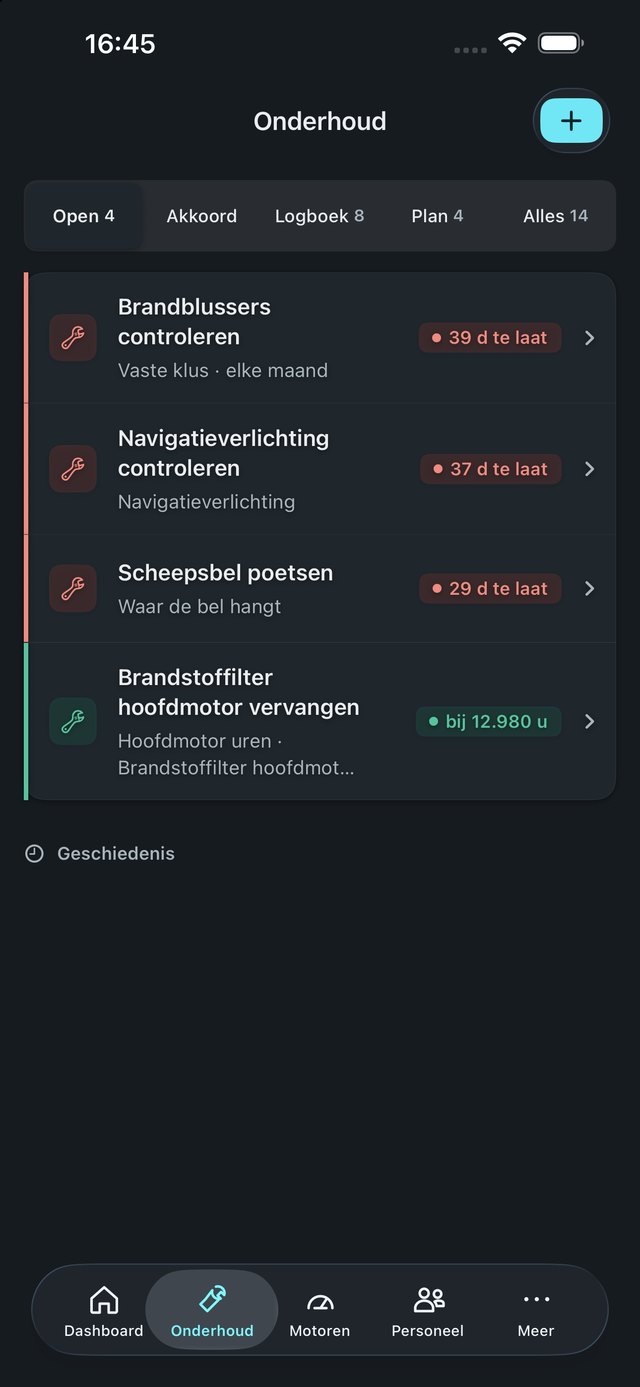
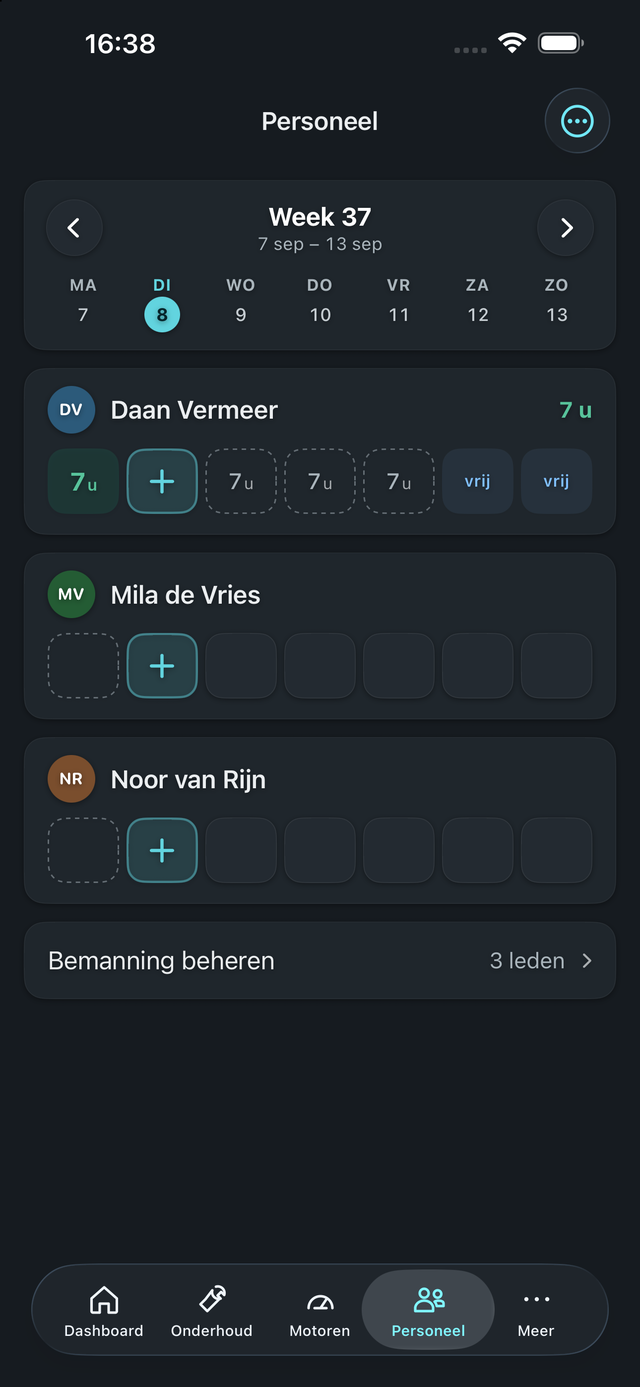
The same data, everywhere. Choose a device and swipe through the screens.


How it works
Add what is actually on board. From then on you work from the same data.
Record the engines and generators that are actually on board.
Enter maintenance and certificates. If you already have a file with your maintenance, certificates or stock, we transfer it for you.
Give every user the access and permissions that fit their work.
From then on, hour readings, jobs and documents stay with the vessel.
Price
Then €49 per month or €499 per year, excluding VAT. All modules included, for one vessel.
Excluding VAT · billed monthly
Cancel any month
Try free for 30 daysExcluding VAT · billed yearly
12 × €49 = €588
Try free for 30 daysNo payment method is needed during the trial.
Questions
Yes. Boordapp works in the browser on computer, tablet and phone, with the same data on every device. For iPhone and iPad there is also an app in the App Store.
Yes. You can invite crew members and give them a suitable role. Everyone only sees what belongs to that role.
Yes. Send us your file with maintenance plans, certificates or stock and we transfer the data for you.
Yes. You manage your vessels together in one fleet overview. Crew is included. Additional vessels have a lower price per tier. Online you start with one vessel; contact us for help setting up your fleet.
After 30 days you choose whether to continue for €49 per month or €499 per year, excluding VAT.
Yes. Call or send a WhatsApp message to +31 6 12 46 94 94.
Yes. Completed jobs and services stay in the history with the recorded data and attachments.
Enter your email address and then complete your company details at Stripe. You will then receive your Boordapp invitation by email.